Finding the joy in making things again
A welcome to AlphaNorth, a return to modelling by hand, and a few honest thoughts about AI and the parts of game development I want to keep for myself.
Explore the models ↓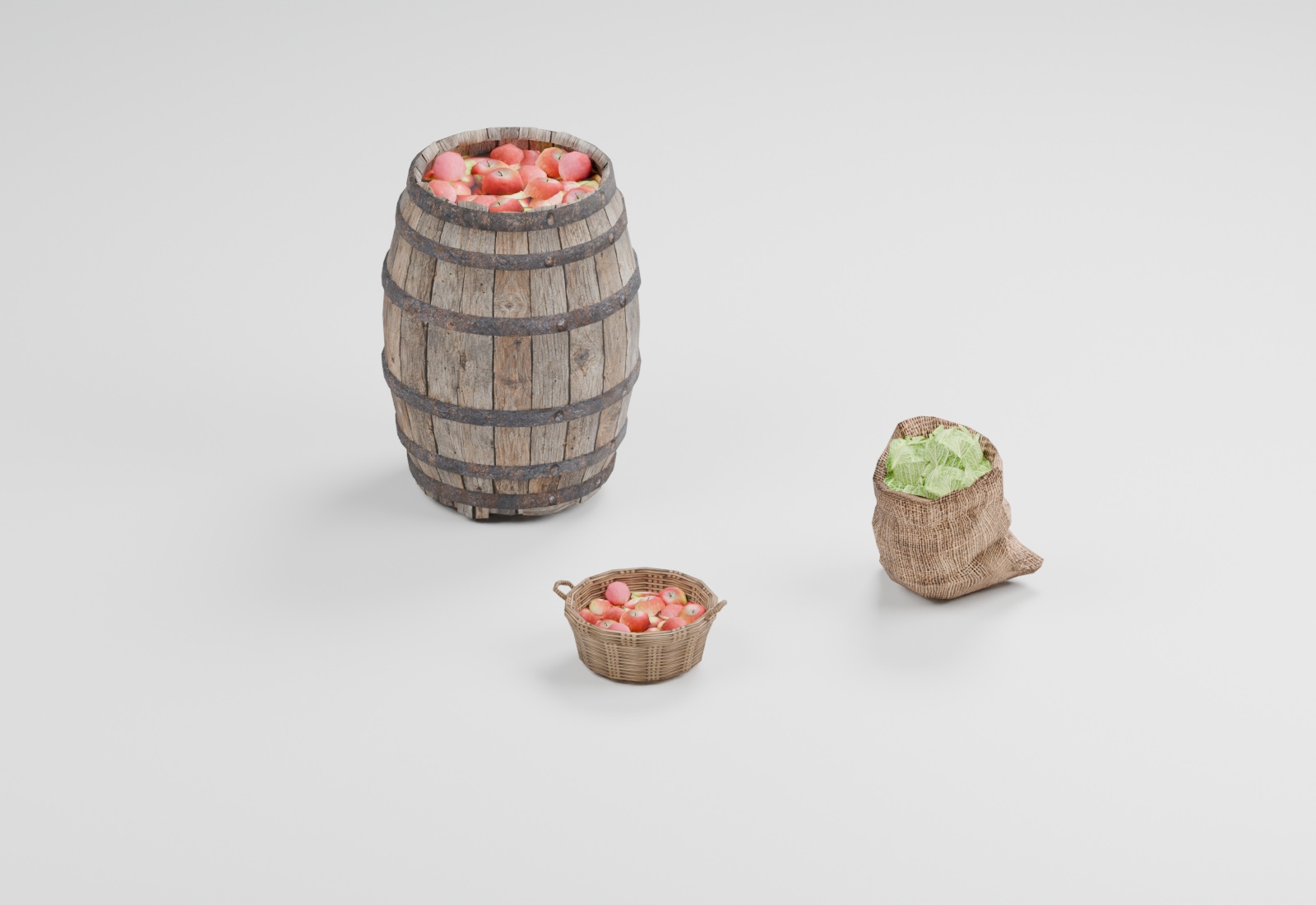
Welcome to AlphaNorth. I wanted this first post to be a small introduction to the website, but also an honest account of where my head is at with making games.
Lately, I've been feeling a bit disillusioned with the use of AI in game development. It can do impressive things, and I've used it myself. But somewhere along the way, I started to feel that getting things finished faster was eating away at the very reason I wanted to make them in the first place.
A hobby should feel like mine
Luckily, game creation is a hobby for me. I've never had my sights set on making a living from it. I don't need to turn every evening into a productivity exercise. I get to spend time learning, trying things, getting them wrong and slowly making something I care about.
That makes the question quite simple: if I'm handing over the parts I enjoy, what exactly am I saving my time for?
So I've chosen to go back to making 3D models the old way. Opening Blender, shaping the mesh, working on the UVs and making those small decisions myself. A basket or a pile of firewood might be a tiny part of a game, but there is a satisfaction in making it that I don't get from asking for an end result.
The film below brings together three of those modelling sessions: a campsite cauldron, a firewood stack and a wicker basket. At the bottom of this post, you can also turn the objects from my current Blender scene around and take a closer look, one at a time.
I miss writing the code
Coding is something I have always loved. I enjoy working through a problem, understanding why something behaves the way it does, and finally getting a system to click. With AI doing more of the writing, that has sometimes become a slog of reviewing code instead. I'm spending my time checking someone else's answers instead of finding my own.
I'd like to be the one writing the code, with AI reviewing me — rather than the other way around.
I may move away from AI coding as well, or at least find a middle ground that leaves more of the actual making in my hands. Having it look for a mistake, question an assumption or review something I've written could still be useful. I want the help to leave room for the part I love.
I'm still finding my footing with all of this, and I suspect a lot of other people are too. This isn't a promise that everything here will suddenly be AI-free, or a judgement on how anyone else chooses to work. It's a personal attempt to make my hobby feel enjoyable again.
A label doesn't tell the whole story
One thing I think is easy to miss: a game without an AI disclosure on its Steam page isn't proof that nobody used AI while developing it. Valve's guidance focuses on AI-created content that ships with the game and is consumed by players, rather than efficiency gains from development tools. That distinction matters when we talk about how games are made. Steamworks Content Survey ↗
AI assistance is widespread in programming, but it would be wrong to say that every programmer uses it. In Stack Overflow's 2025 survey, 84% of respondents said they used or planned to use AI tools in their development process. That includes people who were only planning to use them, and it is a survey of respondents, not a count of every programmer in the world. 2025 Stack Overflow Developer Survey ↗
For me, the more useful conversation is about what we choose to hand over, what we keep doing ourselves, and how honestly we describe that process.
Thanks for being here
I'll use this little corner of the internet to share what I'm making, what I'm learning and the occasional change of direction. A Steam page is coming soon so you can wishlist the game. I'll share the link here once it's ready.
In the meantime, if you'd like to support the project, you can find me on Patreon. And if you're simply here to have a look around, you're very welcome too.
— Steen
Support on Patreon ↗Models from my Blender scene
Loading the collection…
Drag to rotate, right-drag to pan, scroll to zoom. On touch screens, use one finger to rotate and two to pan or zoom. With the model focused, use arrow keys to rotate, + / − to zoom, and Home to reset.